Direktkurier
Going paperless
Transport orders captured digitally, delivery notes signed on the tablet, invoices sent electronically – from order to payment without paper.
Read the story: Direktkurier
One system for trade, invoicing, accounting and payroll: with QR-bill and VAT return as standard, implemented at a fixed price per work package and operated in Swiss data centres.
Many SMEs grow with Excel lists, an invoicing program, accounting software and a separate payroll program. That works until the company grows and needs business software that connects everything.
Stock levels, quotations and project lists live in spreadsheets that only one person understands. Nobody knows for sure which version is valid.
Stock, invoicing and accounting do not talk to each other. The same address, the same item and the same invoice are entered two or three times.
For the VAT return you collect sales and input tax from several sources. Every quarter this takes time, and every manual transfer is a source of errors.
What is outstanding, what is in stock, which order is profitable? The answer takes half a day instead of one click.
Instead of separate SME software for each department, ERPNext connects all areas in one database. An order is entered once and moves on: from quotation through stock and delivery note to invoice and booking.
Purchasing and sales with price lists, discounts and reorder suggestions. Quotation, order and delivery note come from each other, with no retyping.
Trade & Web ShopStock levels, warehouses and serial numbers in real time. Goods receipts, delivery notes and work orders update the stock directly.
Manufacturing & InventoryInvoices come from the order or the delivery note, with the QR payment part and the correct VAT rate.
Receivables, payables, balance sheet and profit and loss come out of the daily business. Bank reconciliation and payment runs are built in.
Accounting & BankingLeads, contacts and opportunities in the same place as quotations and invoices. Sales sees what the customer ordered and what is outstanding.
Sales & CRMEmployees record working time, absences and expenses in the portal or at the terminal. The system calculates flexitime and overtime.
Time Tracking & ExpensesPayroll, withholding tax and salary certificate from the same employee data that time tracking and expenses use.
Payroll & HRA Swiss ERP solution needs more than a translated interface. What an SME needs here is built in, not added on. Centura develops the Swiss features itself and keeps them current with every update.
Your system runs in the Centura Cloud. You need no server of your own and no in-house IT for updates and backups.
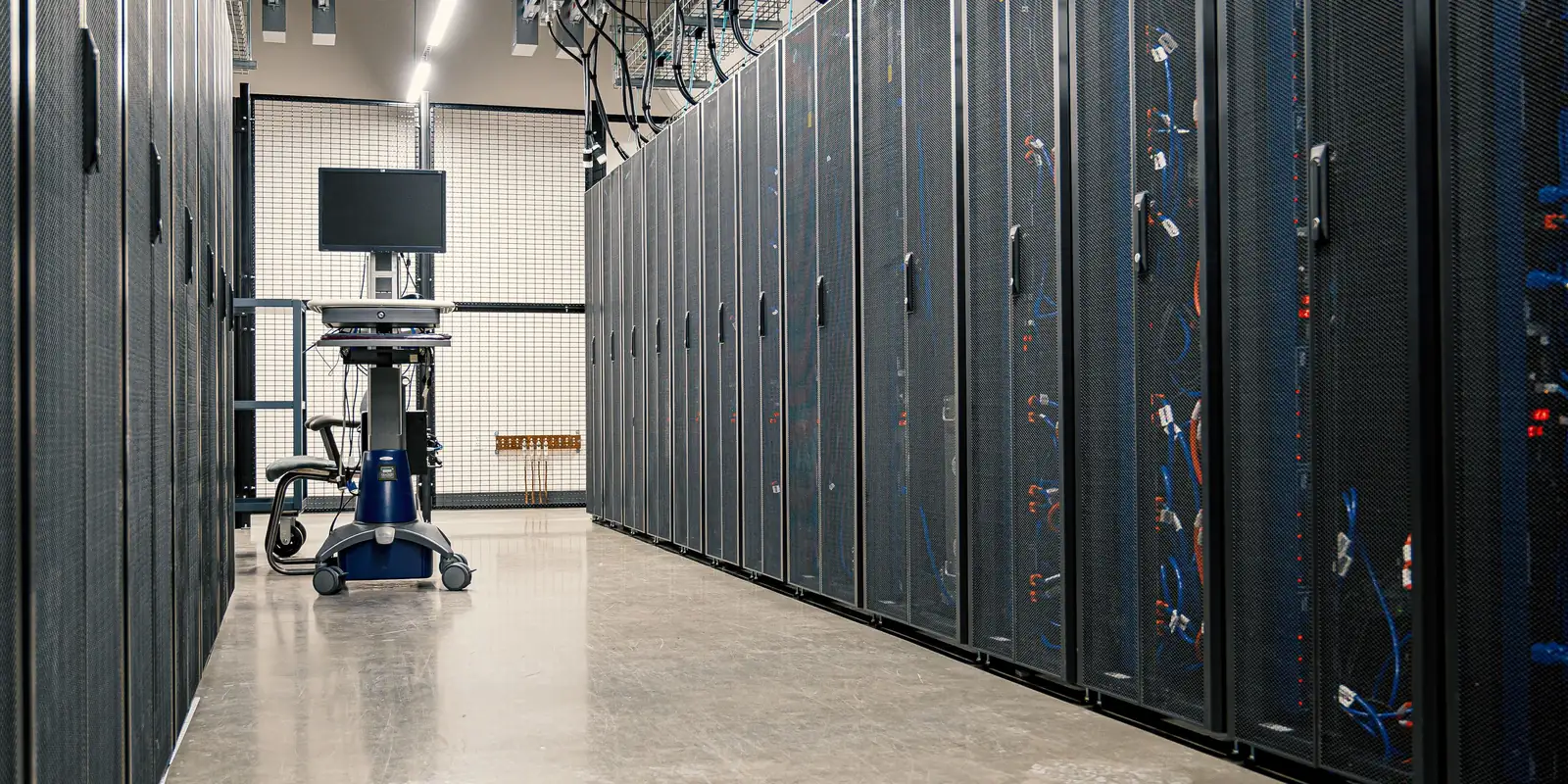
Production data and backups are stored in data centres in Switzerland.
Backups are made several times a day and are also kept at a second site in Switzerland.
We install updates of the standard applications regularly. We announce maintenance windows in advance.
You report incidents through the helpdesk, by e-mail or by phone to our team in Switzerland.
You know the cost range early and decide after each step whether to continue. Depending on the scope, go-live takes 2 to 8 months.
In the free initial call you describe your situation. You receive a non-binding cost range.
In a workshop we record your processes. The result is the specification, from CHF 5'000.
Every work package at a fixed price. You decide what comes first.
We set up ERPNext, migrate master data and open items, train your key users and support the start.
Your system runs in the Centura Cloud, with updates and support.
The cost depends on the scope, not on the number of modules. These guide values come from real projects, all prices excl. VAT. You pay for operation only from go-live.
How many areas you introduce and how far your processes differ from the standard.
How much master data and how many open items are taken over from existing programs.
Whether a web shop, shipping carriers or other systems are connected.
Operation depends on the number and role of users. Additional modules do not increase the running costs.
Centura is an ERP provider from Rapperswil-Jona. We implement ERPNext at Swiss SMEs, develop the Swiss features and operate the systems ourselves.
You pay for implementation and operation, not for licences. When the contract ends, you receive your data in a standard format.
After the process assessment you receive a binding quotation per work package. Later changes are also quoted at a fixed price.
Project management, development and support are based in Rapperswil-Jona. You talk to the people who know your system.
Centura is an official partner of Frappe, the maker of ERPNext, and develops its own extensions from customer projects.
All extensionsTold from daily operations, by industry and location.









Going paperless
Transport orders captured digitally, delivery notes signed on the tablet, invoices sent electronically – from order to payment without paper.
Read the story: DirektkurierFrom lead to invoice in one system
End-to-end process from lead to invoice, a customer dashboard and automatically generated financial reports.
Read the story: ODANPPWR documentation with AI
An AI reads the EU packaging regulation data from data sheets, specialists review only uncertain cases, documentation is produced per customer as a PDF package.
Read the story: WellPackAn ERP system such as ERPNext covers all four areas in one database. An order is entered once and moves without retyping from stock through the delivery note to the invoice and the booking. Centura adds the Swiss features such as QR-bill, VAT return and payroll.
Yes. Every invoice and every booking carries the correct VAT rate, and the return fills itself from your bookings, using the effective method or the net tax rate. Every figure can be traced back to the single booking, and you file the return electronically with the Federal Tax Administration.
Yes. Every sales invoice automatically gets the QR payment part in your customer's language. You photograph incoming QR-bills or upload them as PDF, and ERPNext creates the purchase invoice. Bank reconciliation matches incoming payments to the open invoices.
Implementation starts at CHF 15'000, operation in the Centura Cloud at CHF 3'000 per year. A complete solution with many areas for 10 to 50 users typically costs CHF 25'000 to 60'000 to implement. You receive the binding price as a fixed-price quotation after the process assessment. All prices are excl. VAT.
Production data and backups are stored in data centres in Switzerland, with an additional backup at a second Swiss site. Swiss data protection law and Swiss law apply. The EU recognises Swiss data protection as adequate, which matters for business with EU customers.
An entry-level project with standard processes is productive within a few months; a complete solution typically takes 3 to 8 months from kickoff to go-live. We introduce company groups in stages. How fast it goes also depends on how much time your key users can invest.
The best ERP system is the one that covers your processes and fits your budget. When you compare ERP systems for Switzerland, look for QR-bill, VAT return and Swiss payroll as standard, hosting in Switzerland and whether you can take your data with you if you switch. ERPNext offers this and, as open source, has no licence fees.
No. ERPNext is open source with open standards and documented interfaces. When the contract ends, you receive an export of your database and files in a standard format on request.
Request access to the demo system, or book a free initial call. We show you the areas you are interested in.